
How do i change my pfp on a switch?
-
guys idk how to work this place on a switch please help :(
-
 YourBestie moved this topic from General on
-
@tmntlvr1234
If you go onto the edit profile page, then click on your current profile picture there should be an option that says upload picture from URL click on it. Then there should be a button that says image search, click on that and search whatever you want your profile picture to be. I will warn you though, it's all stock images so most celebrities or characters won't appear on there.
You're not reading this instead of my post, right?
BestieChat
'Even if a movie has a terrible ending that you dislike, you should never cut it off in the middle' - Wolfie -
@tmntlvr1234
If you go onto the edit profile page, then click on your current profile picture there should be an option that says upload picture from URL click on it. Then there should be a button that says image search, click on that and search whatever you want your profile picture to be. I will warn you though, it's all stock images so most celebrities or characters won't appear on there.
 auntie menhera's neices, nephews and niblings Chud before-update supporter He ate them #fuckmybakalife Eric Cartman canida 🥀 😭🙏 wilford bremly fangurl cult Swagg_c3rt1fi3d<3 Belt to ass Тотя well, fuc- pale as F∪CK short person chronically online former staff But 20$ is 20$ high af Chaotic Asexuals The Lords of Pillows Mr. Duran's class | W1ckedSticky is #3 necroposters of bns rip wall Wants to be pet Cluckers | WeedAreTheWorld is #1
@Aries my PFP is a beautiful stock photo. last time I looked at them they were mostly all AI and that was it.
-

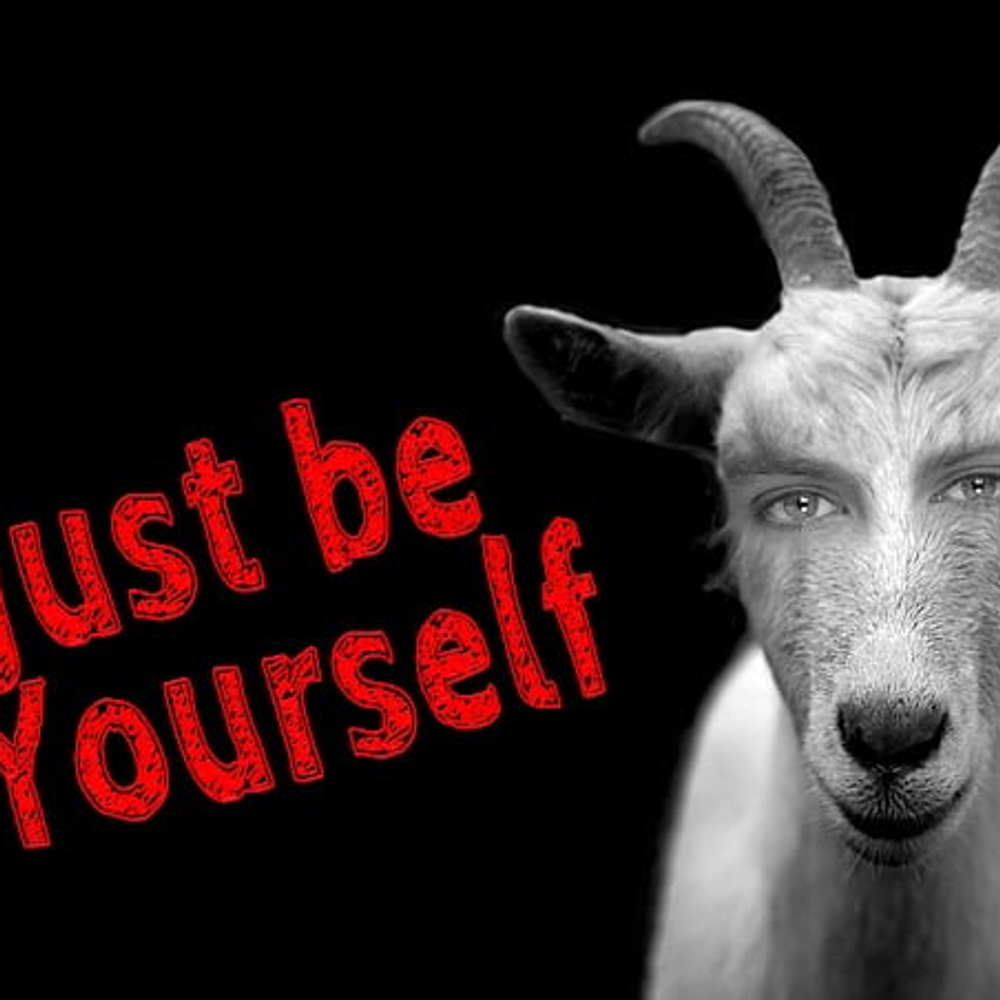
thanks chat got this pic off there :D
-
@Aries i tried to do that but the image search isn't working for me, thank you for your help btw!
-
@Aries nvm i got it 2 work TYSM!!!! :D
-
@Aries my PFP is a beautiful stock photo. last time I looked at them they were mostly all AI and that was it.

@Yanderemenhera 99.9% of them are ai

Hello! It looks like you're interested in this conversation, but you don't have an account yet.
Getting fed up of having to scroll through the same posts each visit? When you register for an account, you'll always come back to exactly where you were before, and choose to be notified of new replies (either via email, or push notification). You'll also be able to save bookmarks and upvote posts to show your appreciation to other community members.
With your input, this post could be even better 💗
Register Login